Spec sheets for AR glasses are written to look impressive, not to be useful. “201-inch virtual display” sounds enormous until you realise the number depends entirely on how far away you imagine the screen. “1,200 nits” is meaningless without knowing whether that is sustained or a one-frame peak.
This is the complete RayNeo Air 4 Pro spec sheet, with an explanation of what each number actually changes about your experience.
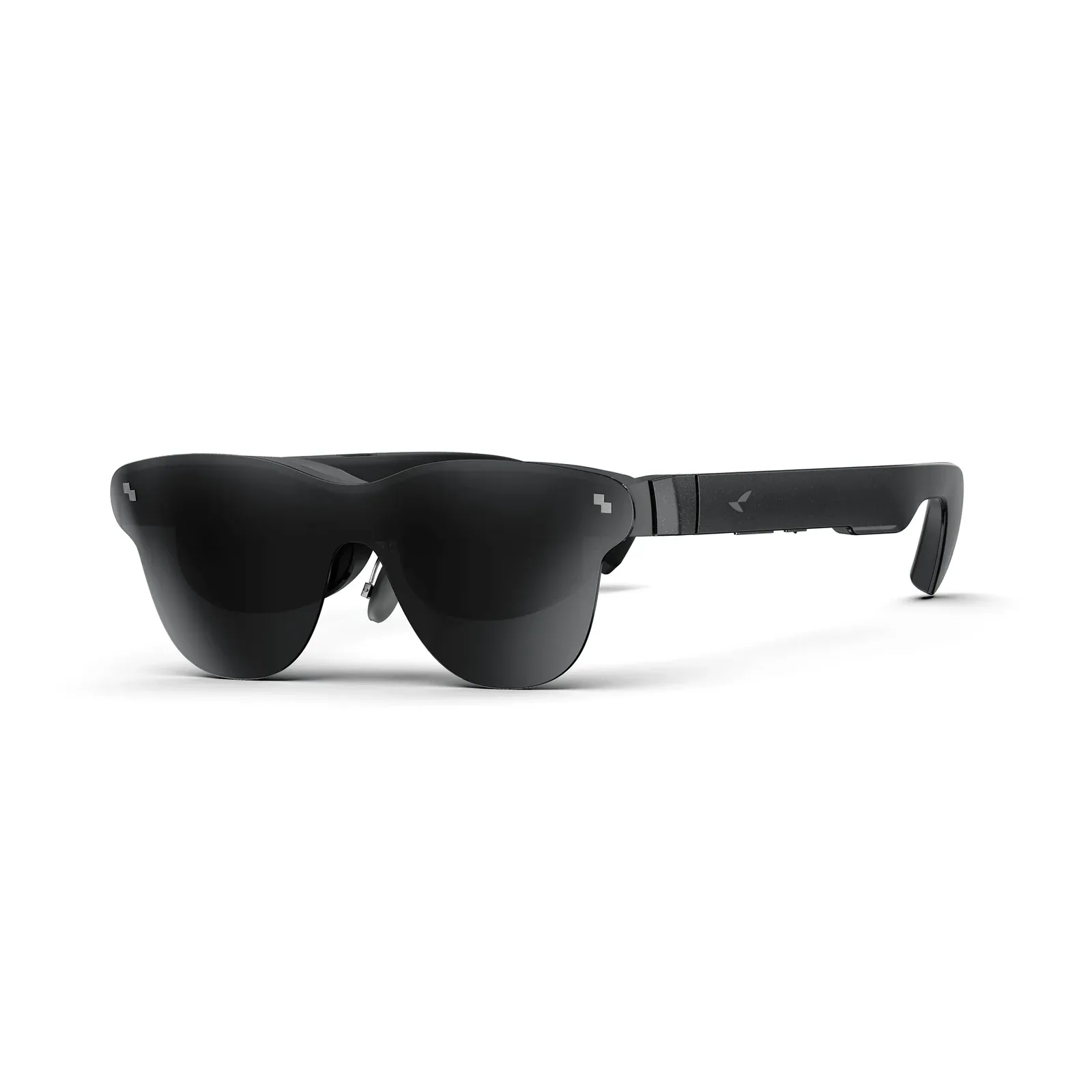 The Air 4 Pro: 0.6” SeeYa Micro-OLED, 46° field of view, 76 g. Image: RayNeo.
Full specification
| Category | Specification |
|---|---|
| Display panel | 0.6” SeeYa Micro-OLED, 5.5-gen tandem OLED (co-developed with TCL) |
| Optics | Birdbath |
| Resolution | 1920 × 1080 per eye (2D) / 3840 × 1080 (3D) |
| Refresh rate | Up to 120 Hz (60 Hz / 120 Hz) |
| Peak brightness | 1,200 nits |
| Contrast ratio | 200,000:1 |
| Colour gamut | 98% DCI-P3 / 145% sRGB |
| Colour accuracy | ΔE < 2 |
| Colour depth | 10-bit (1.07 billion colours) |
| HDR | HDR10 |
| Virtual screen | 201” (US marketing) / 135” at 4 m (China spec) |
| Field of view | 46° |
| PPD | 49 |
| Eyebox | 14 × 7 mm |
| Dimming | 3,840 Hz PWM |
| Audio | Quad-speaker array, co-tuned by Bang & Olufsen |
| Audio modes | Standard / Whisper / Surround |
| Image processor | Pixelworks Vision 4000 |
| Weight | 76 g (excluding nose pads) |
| Weight distribution | 46.7% front / 53.3% rear |
| Dimensions (unfolded) | 176.5 × 154.3 × 47.4 mm |
| Dimensions (folded) | 57.8 × 154.3 × 47.4 mm |
| Battery | None — powered by host device |
| Charging passthrough | Up to 100 W PD |
| Connectivity | USB-C with DisplayPort Alt Mode |
| Sensors | Accelerometer, gyroscope, geomagnetic, proximity |
| Spatial tracking | None — fixed display, no 3DoF |
| Prescription support | Yes, via included lens frame |
| Price | From $299 |
The three numbers that actually decide the purchase
1. No 3DoF
Start here, because it is the one spec that changes what the product is.
The Air 4 Pro has no head tracking. The image is locked to your head, not to the room. RayNeo’s own FAQ confirms it: “Air 4 Pro uses a fixed display rather than 3DoF spatial anchoring.”
For media consumption this is fine — a screen that always stays centred is exactly what you want when watching a film. For anything resembling a workspace, it is disqualifying. You cannot pin three virtual monitors in front of you and then glance sideways at your physical keyboard without the whole arrangement swinging away.
If spatial anchoring matters to you, stop here and look at the XREAL One Pro instead.
2. 46° field of view
Field of view is the angular size of the image. A bigger number means the screen fills more of your vision.
At 46°, the Air 4 Pro sits squarely in the middle of the category. The XREAL One Pro offers 57° and the VITURE Luma Pro 52°. A 46° window reads as a large screen a few metres away — convincing, immersive, but you can still see past its edges into the real world.
This is not a flaw. A wider field of view usually means a larger, heavier optical engine, and RayNeo traded width for weight and price. Just know that you are not getting the widest image available at any price.
3. 200,000:1 contrast ratio
This is the number that makes HDR10 meaningful.
Contrast is the ratio between the brightest white and the darkest black a panel can produce. Cheap LCD-based displays manage maybe 1,000:1, which is why HDR on them tends to look like a brightness increase and not much else. Micro-OLED panels are emissive — each pixel makes its own light and can switch fully off — so blacks are genuinely black.
At 200,000:1, dark scenes retain shadow detail without the grey haze that plagues weaker panels. Paired with 1,200 nits of peak brightness, you get bright highlights and deep blacks simultaneously, which is the entire point of HDR10.
The numbers worth understanding
Resolution: 1920 × 1080, or 3840 × 1080 in 3D
Per eye, the Air 4 Pro renders Full HD. In 3D mode the horizontal resolution doubles to 3,840 so each eye gets a separate 1080p image, which is what allows native stereoscopic playback.
Full HD per eye is the category standard and is genuinely sharp at this field of view. Do not let a 4K-per-eye spec elsewhere convince you otherwise — at 46°, 1080p per eye is already close to the limit of what your eye can resolve.
PPD 49
Pixels per degree is a more honest sharpness metric than raw resolution, because it accounts for how much of your vision the screen occupies. The Air 4 Pro’s 49 PPD is a solid figure; for reference, a Retina-class phone held at typical distance lands around 50–60 PPD. Text is readable, and the pixel structure is not visible in normal use.
Eyebox 14 × 7 mm
The eyebox is the three-dimensional volume in which your pupil must sit to see the full image. A larger eyebox means a more forgiving fit and less fiddling.
14 × 7 mm is on the smaller side. This is why fit adjustment matters so much on the Air 4 Pro: if your eyes sit outside the eyebox, edges blur or corners of the image disappear entirely. RayNeo compensates with an unusually elaborate adjustment system — see below.
3,840 Hz PWM dimming
Many displays regulate brightness by flickering on and off rapidly. If that flicker is slow enough, some people perceive it, and it causes headaches and eye strain.
At 3,840 Hz the flicker is far beyond perception. Combined with TÜV SÜD certification for low blue light and flicker-free operation, this is one of the better eye-comfort implementations in the category.
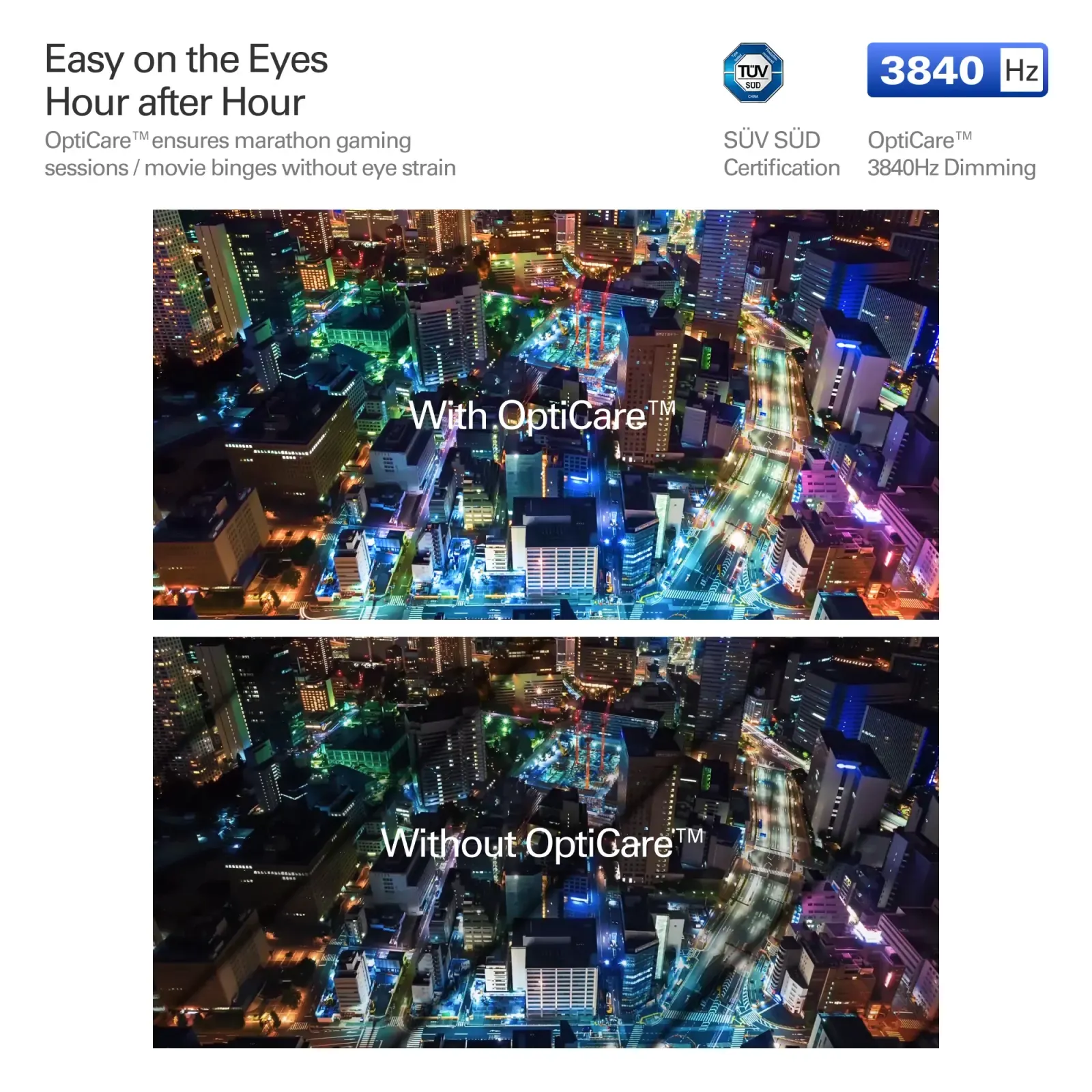 OptiCare at 3,840 Hz against a conventional panel — the TÜV SÜD-certified difference is in the highlights. Image: RayNeo.
No battery, 100 W passthrough
The Air 4 Pro contains no battery at all. It draws power from whatever it is plugged into.
The upside is obvious: nothing to charge, no battery to degrade, and no weight to carry. The downside is that it drains your host device, which matters on a long flight with a phone as the source.
RayNeo supports up to 100 W Power Delivery passthrough, so a power bank between the phone and the glasses can keep both topped up while you watch.
Weight: 76 g, balanced 46.7 / 53.3
Total weight matters less than where it sits. RayNeo positioned the mass slightly behind the ears — 46.7% front, 53.3% rear — which keeps pressure off the bridge of your nose. It is the right engineering call, and it is the difference between a two-hour session and a twenty-minute one.
Fit and adjustment
| Adjustment | Range |
|---|---|
| Temple movement | 9-way (up/down, left/right, forward/back, in/out) |
| Nose pads | 3 positions |
| Temple tilt | 15° |
Nine-way temple adjustment is more than most competitors offer. It exists because of that small 14 × 7 mm eyebox — you need the extra range to get the image centred. Budget ten minutes on first setup.
Compatibility
The Air 4 Pro needs DisplayPort Alt Mode over USB-C. A USB-C port that only carries power and data will not work, which is the single most common source of “it doesn’t work” complaints.
Compatible with: iPhone (15 and later), most modern Android flagships, Mac, Windows laptops with DP-capable USB-C, Steam Deck, Nintendo Switch 2, PlayStation 4 and 5, and Xbox — the consoles via the RayNeo HDMI Adapter.
For the full connection walkthrough, see our setup guide.
Pricing
| Configuration | Price |
|---|---|
| Air 4 Pro (glasses only) | $299 |
| + USB-C bundle | $319 |
| + HDMI Adapter | $339 |
| + JoyDock | $349 |
| + Pocket TV | $379 |
If you own a console, the HDMI adapter bundle is the one to get. Everything else can be added later.