No. There is no published evidence that display glasses like the RayNeo Air 4 Pro cause permanent damage to your eyes. The risks that are real are the ordinary screen risks — eye strain, dry eye, and disrupted sleep from late-night use — plus a few that are specific to wearing something on your face for hours.
What makes the Air 4 Pro interesting is that on the thing people worry about most, focus, it is arguably gentler than the phone in your pocket.
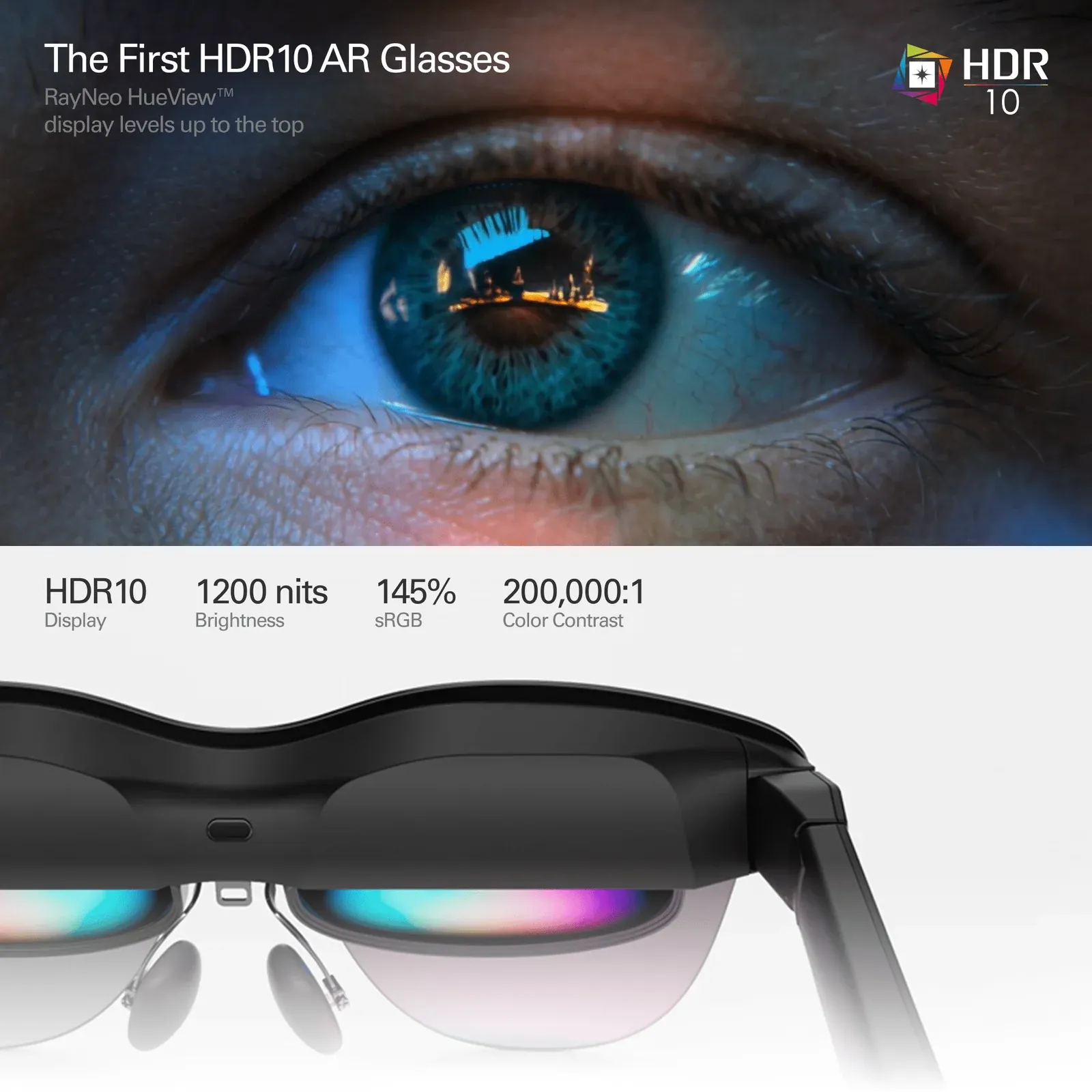
The panel is close to your eye. The image it produces is not. Image: RayNeo.
Why “the screen is 2 cm from your eye” is the wrong way to think about it
The physical panel really is a couple of centimetres away. But you are not focusing on the panel. The optics collimate the light so that the virtual image appears at a perceived distance of metres — RayNeo quotes a 201-inch screen viewed from 6 metres, which is the same angular size as a 135-inch screen at 4 metres.
Your eye focuses on that virtual distance, not on the glass. That matters, because focusing distance is the single biggest factor in near-work eye strain. A phone held at 30 cm asks your ciliary muscle to hold a strong contraction for as long as you keep reading. The Air 4 Pro asks for almost none.
| Phone at 30 cm | Laptop at 60 cm | Air 4 Pro | |
|---|---|---|---|
| Focusing distance | 0.3 m | 0.6 m | Several metres (fixed) |
| Head posture | Chin down | Neck forward | Level |
| Blink rate | Falls sharply | Falls | Falls |
| What you look at between paragraphs | Nothing — the screen fills the view | The room | The room, past the image |
The catch is that the focus distance is fixed. Every virtual object sits at the same optical distance, so the display cannot make something “closer” for you to inspect. For films and games that is invisible. For reading small text for hours it means the only focusing you do is at one distance, which is restful but monotonous.
The thing that actually causes strain: you stop blinking
Blink rate drops from a normal 15–20 times a minute to roughly 5–7 during any concentrated screen task. The tear film breaks up, the cornea dries, and you get the burning, gritty feeling that people describe as “eye strain” — which is usually dry eye wearing a disguise.
Glasses do not make this worse than a monitor. They remove some of the accidental cues that would otherwise prompt you to blink: there is no bright room to glance at, no colleague walking past, no reason to look up. The image is always exactly where you left it.
The fix is the same as for any screen, and it works: every 20 minutes, look at something at least 6 metres away for 20 seconds. It resets both the tear film and the focusing muscle.
Flicker is the specification that actually matters
Most displays dim by switching on and off very fast. If that switching is slow enough, some people perceive it as flicker, and it reliably produces headaches and fatigue in long sessions — even in people who insist they cannot see it.
The Air 4 Pro runs 3,840 Hz PWM dimming. At that frequency the flicker is roughly twenty times faster than the threshold where anyone can perceive it, which is why the panel carries TÜV SÜD certification for flicker-free operation. This is the eye-comfort spec worth comparing between brands, far more than blue light.
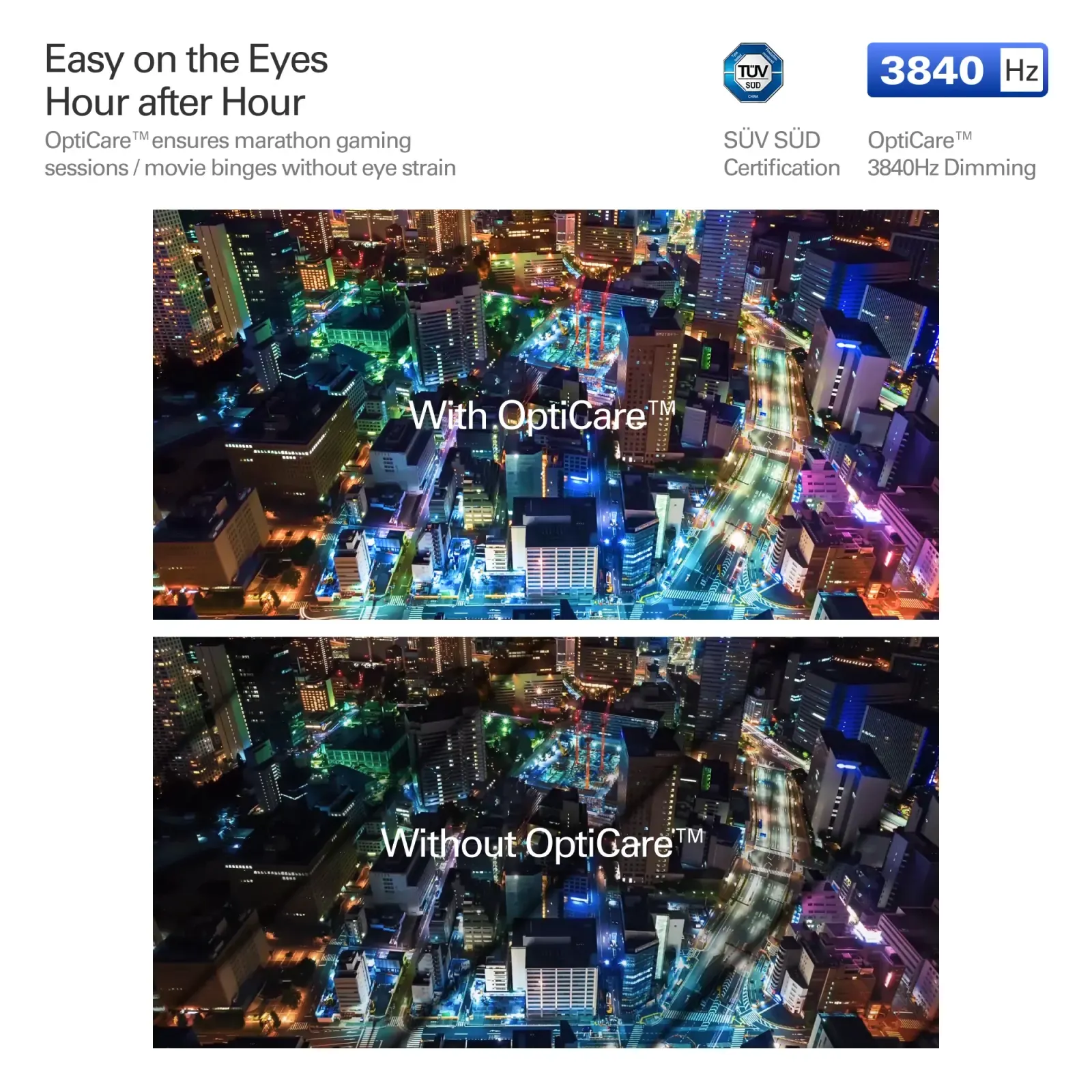
OptiCare at 3,840 Hz against a conventional panel. Image: RayNeo.
Blue light: real effect on sleep, weak evidence for damage
The claim that blue light damages the retina comes almost entirely from cell and animal studies using intensities no display produces. The claim that it disrupts sleep is better supported, and it is about timing rather than dose: bright short-wavelength light late at night suppresses melatonin and pushes your body clock later.
The Air 4 Pro carries TÜV SÜD low blue light certification and has an Eye Protection display preset that shifts the white point warmer. Use it after dark. If you are watching a film at 1 a.m., the bigger problem is that you are watching a film at 1 a.m.
Brightness, afterimages and the dark-room problem
1,200 nits peak is bright — bright enough to be uncomfortable if you deploy it in a dark bedroom at full power. There are 20 brightness levels, and matching the display to your surroundings is the single most effective comfort adjustment available. A screen that is much brighter than its environment makes your pupil work against a constant glare source, which is fatiguing in a way that is hard to attribute until you turn it down.
The light shield that ships in the box exists for the same reason: it blocks peripheral light so the image does not have to compete with it.
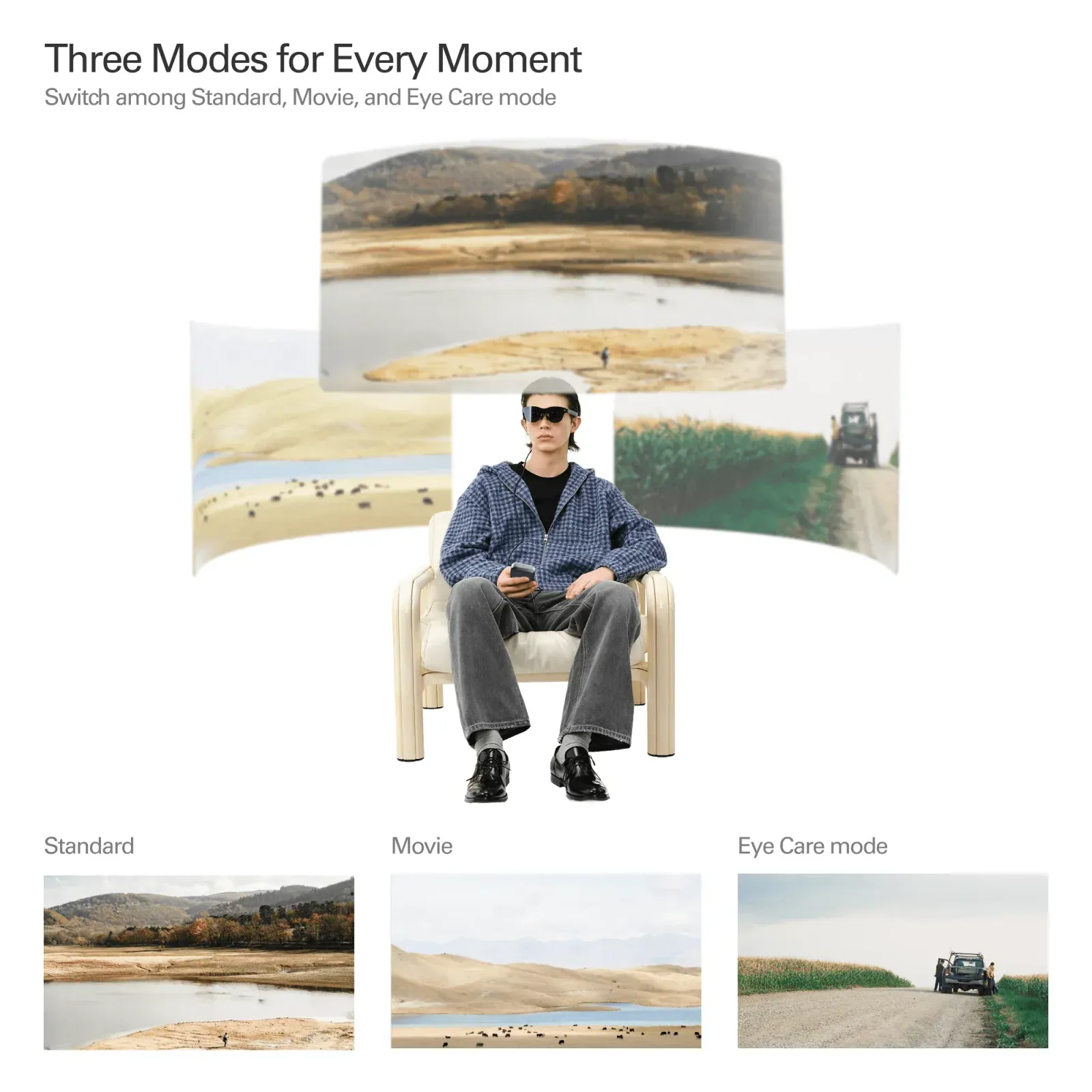
Display presets, including the Eye Protection mode that reduces blue light. Image: RayNeo.
The discomfort nobody lists: it is on your face
76 g is light for a display and heavy for a pair of glasses. The frame is rear-biased to keep the weight off your nose, and there are three nose pad sizes plus nine points of adjustment — but the honest answer is that most people feel it after two hours, and some feel it after forty minutes.
This is not eye damage. It is the reason people stop using AR glasses, and it is worth being clear that no optical specification fixes it.
Who should be more careful
- Children and teenagers. Myopia progression is driven by near work and time spent indoors, and there is no long-term data on AR glasses in children. Treat them as you would any screen and cap the time.
- High prescriptions. Prescription inserts cover a range; outside it, the image will not be sharp and you will squint, which is its own strain. Check the range before buying — see the prescription lens guide.
- Strabismus, amblyopia, or a prism correction. Two independent displays, one per eye, are a poor fit for eyes that do not align or do not work together. Ask your optician first.
- Migraine with visual aura. High brightness and a screen that moves with your head are both common triggers.
- Anyone walking, cycling or driving. The image is opaque where it sits. This is a seated product.
What the Air 4 Pro gets right, and what it cannot fix
It gets the things that are measurable right: high-frequency dimming, TÜV SÜD certification for flicker and blue light, a fixed long focus distance, and a level head posture instead of a bent neck. Because it has no spatial tracking, the image also does not lag behind your head movements, which removes one common source of nausea in head-worn displays.
It cannot fix the fact that it is still a screen you stare at without blinking. No display can.
Four rules that cover most of it
- 20-20-20. Every 20 minutes, 20 seconds, 6 metres away.
- Match brightness to the room, not to the content.
- Eye Protection preset after dark.
- Take them off once an hour, even for a minute. Your nose will thank you before your eyes do.
FAQ
Do AR glasses damage your eyesight?
No evidence suggests they do. The focusing distance of a display like the Air 4 Pro is further away than a phone’s, and the panel’s flicker is above the perceptible range. The documented effects of screen use — dry eye, accommodative fatigue, sleep disruption — are temporary and reverse with breaks.
Can you wear the RayNeo Air 4 Pro all day?
Physically yes, practically no. The optics are comfortable for long sessions, but 76 g on your nose and temples becomes noticeable after a couple of hours. Most people settle into sessions of one to three hours.
Are AR glasses safe for children?
There is no evidence of harm, and no long-term data either. The bigger concern is the same one that applies to any screen: time spent focusing at a fixed distance instead of outdoors.
Do they cause headaches?
They can, for the same reasons any display can — brightness mismatch, flicker sensitivity in a minority of people, or an incorrect fit that makes one eye work harder than the other. If the image is sharp in one eye and soft in the other, adjust the nose pads before assuming the glasses are the problem.
Do they cause motion sickness?
Rarely, because there is no head tracking to desynchronise. The Air 4 Pro’s image is fixed to the frame, so it moves exactly with your head. Nausea in AR and VR is usually a tracking-latency problem, and this product has no tracking.
Are they worse for your eyes than a phone?
On focusing distance, they are better — metres instead of centimetres. On everything else they are equivalent, because the cause is behaviour, not hardware.
Can you wear them with contact lenses?
Yes. The glasses do not touch your eye, and there is no optical interaction between a contact lens and the display.
Should you use them in the dark?
Only with the brightness turned well down. A 1,200-nit display in an unlit room is a glare source, and the Eye Protection preset is worth enabling at the same time.
This article is general information, not medical advice. If you have an existing eye condition, ask your optician or ophthalmologist before using head-worn displays for long periods.