If you want to sit inside a game, buy the Quest 3. If you want a private cinema you can wear on a plane, buy the Air 4 Pro. They are both “a big screen on your face”, and that is roughly where the similarity ends: one is a standalone computer you wear, the other is a monitor that happens to be shaped like glasses.
The price gap is now larger than most comparisons admit. Meta raised the Quest 3 to $599.99 in April 2026, which makes it exactly twice the Air 4 Pro’s $299.
The two products in one table
| RayNeo Air 4 Pro | Meta Quest 3 | |
|---|---|---|
| Price | $299 | $599.99 (raised from $499 in April 2026) |
| Weight | 76 g | ~515 g |
| Display | 2 × 1920×1080 micro-OLED | 2 × 2064×2208 LCD |
| Field of view | 46° | ~110° horizontal |
| Sharpness | 49 PPD (RayNeo figure) | ~19 PPD (calculated) |
| Brightness | 1,200 nits peak, HDR10 | Not specified as a peak figure |
| Tracking | None — fixed image | 6DoF inside-out |
| Power | From the host device | Internal battery, roughly 2–3 hours |
| Runs apps itself | No | Yes, Quest Store |
| Passthrough | None | Full-colour mixed reality |
| Works with | Phone, laptop, Steam Deck, console | Nothing external required |
| Where you can use it | Anywhere you can sit | Anywhere with ~2 m of clear space |
The number that decides more than any other: pixels per degree
The Quest 3 has more pixels. It also spreads them over two and a half times the angle, which is why the two devices look so different in practice.
Pixels per degree (PPD) is resolution divided by field of view. For the Quest 3, 2064 ÷ 110 ≈ 19 PPD. For the Air 4 Pro, 1920 ÷ 46 ≈ 42 PPD — and RayNeo quotes 49, which is the same arithmetic with slightly different assumptions about the visible angle.
Either way the Air 4 Pro is more than twice as sharp per degree. That is not a marketing trick; it is what a narrow field of view buys you. Text is crisp enough to read a spreadsheet. On the Quest 3, text is legible but soft, which is why almost nobody works in one for eight hours.
What you give up for that sharpness is immersion. A 46° window is a cinema screen floating in front of you. A 110° field is a room.
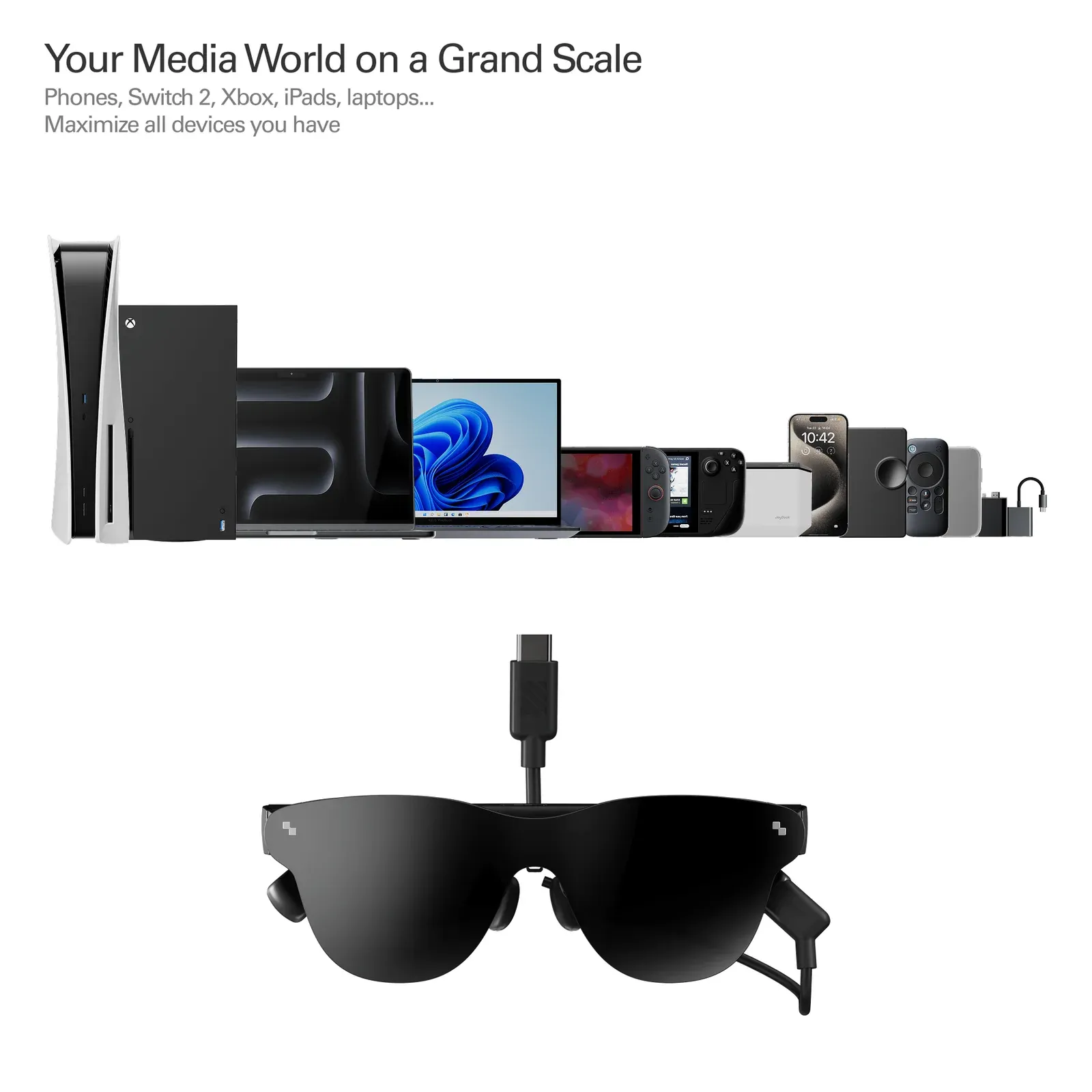
The Air 4 Pro is a display, not a computer. It shows whatever the device on the other end of the cable is showing. Image: RayNeo.
What the Quest 3 does that the Air 4 Pro simply cannot
- 6DoF tracking. You can walk around a virtual room, lean in, and move windows in space. The Air 4 Pro’s image is welded to the frame — turn your head and the screen turns with it.
- Mixed reality. Colour passthrough puts virtual objects in your actual room. The Air 4 Pro has no cameras and no idea where it is.
- It runs on its own. No phone, no cable, no host. Turn it on and you are in the interface.
- A content library. Games built for the platform, not mirrored from something else.
- Room-scale play. Beat Saber, Walkabout Mini Golf, Eleven Table Tennis — none of which are possible on a fixed display.
What the Air 4 Pro does that the Quest 3 cannot
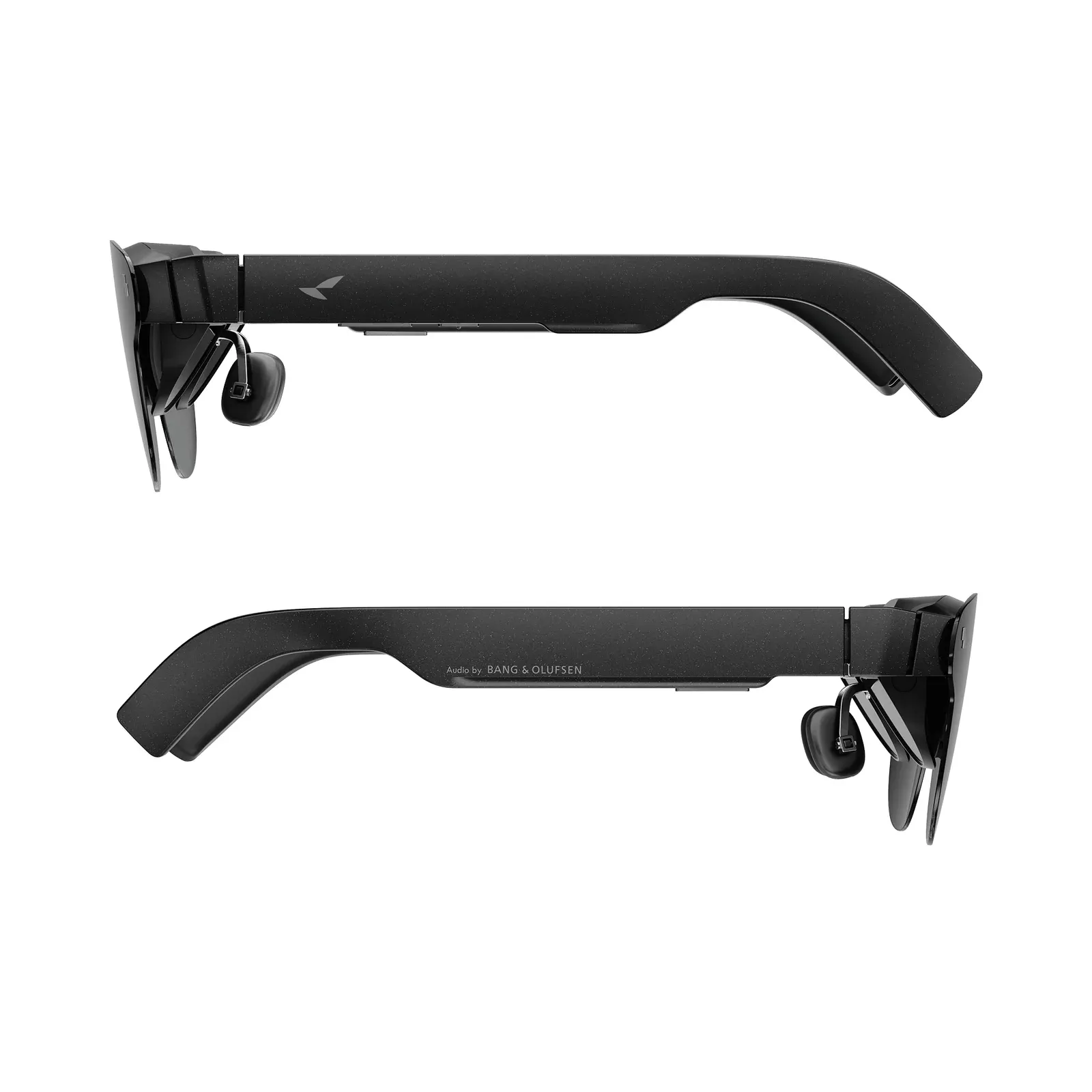
The Air 4 Pro is a pair of glasses with a display in it, not a headset. That shape is the whole argument. Image: RayNeo.
- It weighs 76 g instead of 515 g. This is the difference between a device you forget about and a device you take off after forty minutes. A three-hour flight is comfortable; it is not on a Quest.
- It has no battery. No charging, no thermal throttling, no “20% left” warning halfway through a film. It draws from whatever it is plugged into, and if that device has power, you have power.
- It works as a plain monitor. Plug it into a Steam Deck, a console through the HDMI adapter, or a laptop, and it behaves like a screen. The Quest 3 is a computer that can display a computer, with extra steps and lag.
- You are not sealed off. The image floats in front of you rather than enclosing you; the room, your hands and your drink are still there. You can look past the frame at any time.
- It costs $299.
Comfort, honestly
The Quest 3’s 515 g is front-heavy, and the stock strap is the most commonly replaced part of the product for a reason. After an hour, most people feel it in the cheeks and the back of the neck. The Air 4 Pro’s 76 g sits on your nose and temples, which is a much smaller load but a more sensitive place — most people notice it at around the two-hour mark.
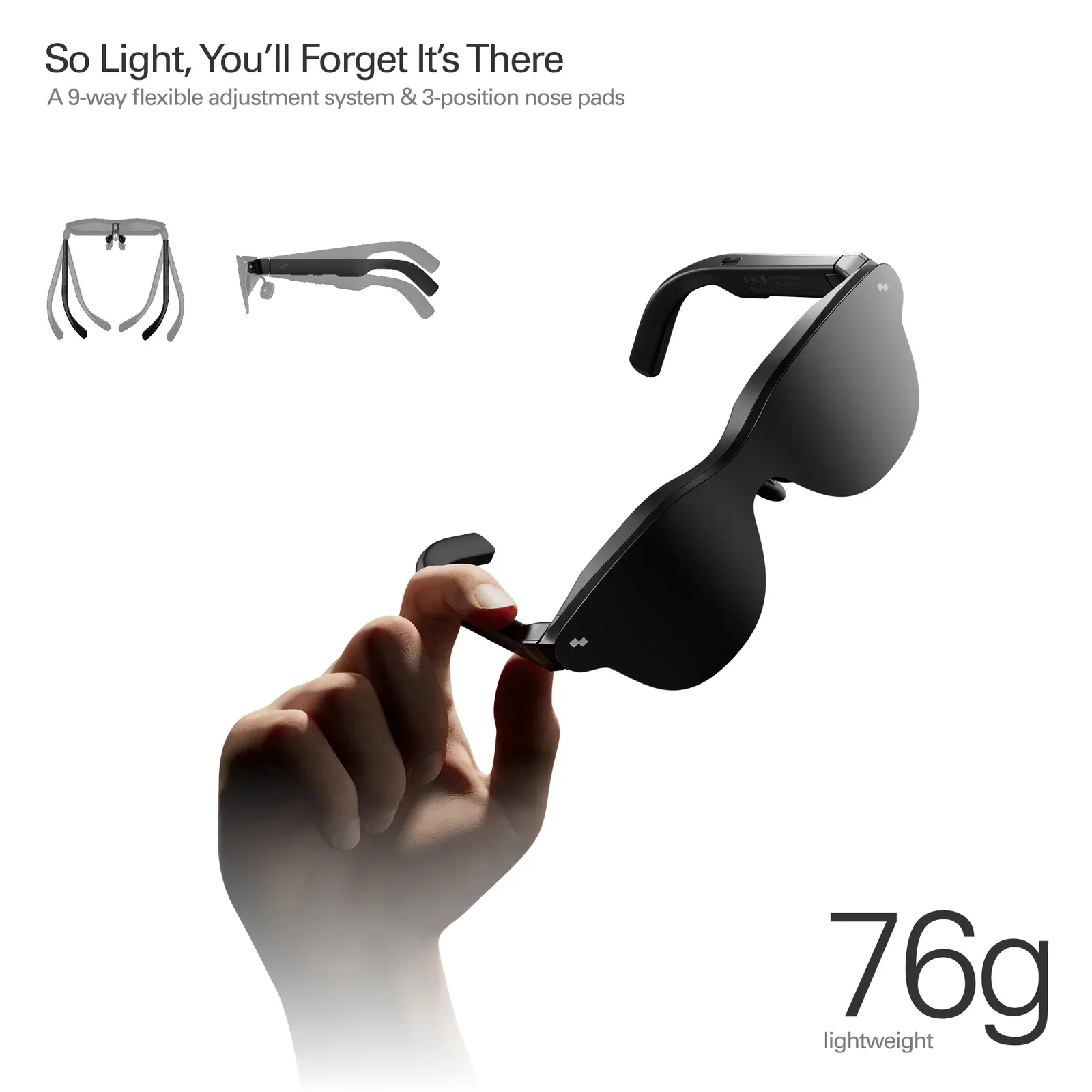
76 g in one hand. The Quest 3 is roughly the weight of a hardback book, and it all hangs off the front of your face. Image: RayNeo.
Neither is a device you forget you are wearing. One is much easier to wear for a long time while sitting still.
Which one for what
| Your actual situation | Buy |
|---|---|
| Long flights, trains, hotel rooms | Air 4 Pro |
| Watching films and TV in bed without waking anyone | Air 4 Pro |
| Gaming on a Steam Deck, Switch 2, PS5 or Xbox | Air 4 Pro |
| Working on a laptop with a bigger screen | Air 4 Pro |
| Playing VR games | Quest 3 |
| Fitness, room-scale, movement | Quest 3 |
| Mixed reality apps and passthrough | Quest 3 |
| You want one device that does everything | Neither — the two overlap less than the marketing suggests |
| A tight budget and you want VR | Quest 3S at $349.99 |
The budget question nobody asks
Meta’s own Quest 3S at $349.99 is the closer competitor on price. It uses the same chip and the same controllers, with lower-resolution lenses and a narrower field of view. If the choice is really “VR or glasses” and money is tight, the honest comparison is Air 4 Pro at $299 against Quest 3S at $349.99 — not against the $599 Quest 3.
Can you justify both?
Yes, and more easily than most people expect, because they do not compete for the same hours. The Air 4 Pro covers the time you would otherwise spend looking at a phone or a laptop screen. The Quest 3 covers the time you would otherwise spend playing a game. Very few people regret owning a monitor and a console.
What people do regret is buying a $599 headset to watch Netflix on a plane.
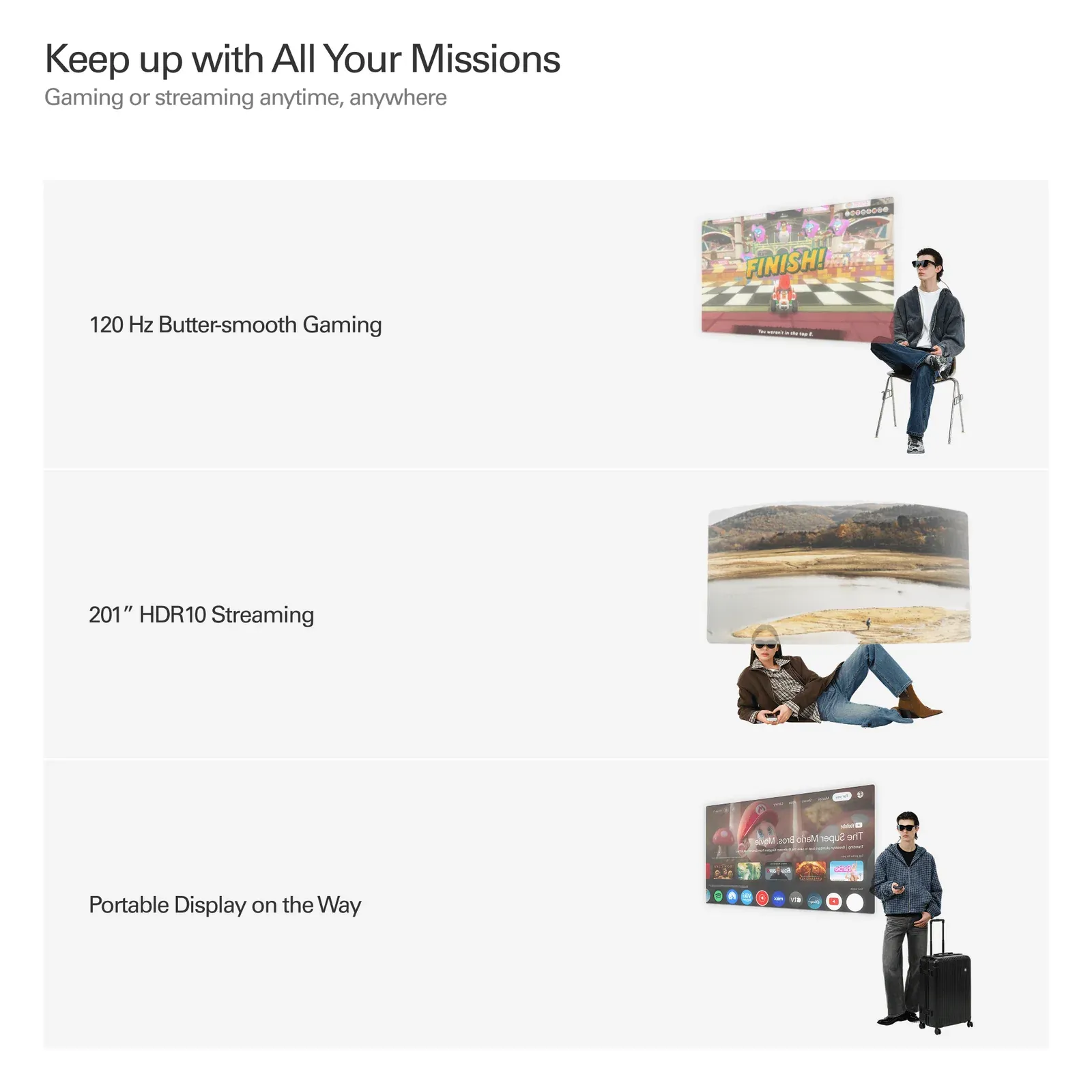
The Air 4 Pro’s pitch is portability and picture quality, not presence. Image: RayNeo.
FAQ
Is the RayNeo Air 4 Pro a VR headset?
No. It has no tracking, no cameras and no processor. It is a display that shows a flat image fixed to the frame, which is why it can weigh 76 g and cost $299.
Can the Air 4 Pro play VR games?
No. Without 6DoF tracking there is no way to render a room that responds to where you are. It will display a flat 2D or stereoscopic 3D image and nothing more.
Which is better for watching films?
The Air 4 Pro, for almost everyone. It is sharper per degree, it has HDR10 and 1,200 nits, it never runs out of battery, and you can wear it lying down. The Quest 3’s advantage is the size of the virtual screen, which matters less than sharpness for a two-hour film.
Which is better for work?
The Air 4 Pro, but with a caveat. Text is sharper and the device weighs a seventh as much, but there is no spatial anchoring, so the screen is wherever your head points. If you need windows pinned in space, that is the XREAL One Pro, not either of these.
Does the Quest 3 work with a Steam Deck?
Not as a monitor. The Quest is a standalone computer; using it to display another computer’s output means streaming software over Wi-Fi, with the latency that implies. The Air 4 Pro is a cable and a second.
Do you need a PC for either?
No. The Air 4 Pro needs a device that outputs video over USB-C, which can be a phone. The Quest 3 needs nothing at all.
Which one holds its value better?
Neither particularly well, but the Quest 3 has a much larger second-hand market and a shorter replacement cycle. The Air 4 Pro’s resale value depends almost entirely on whether the model has been superseded.
Prices are US list prices at the time of writing. Meta’s April 2026 increase applies to new and refurbished Quest 3 units; check the current store price before comparing.